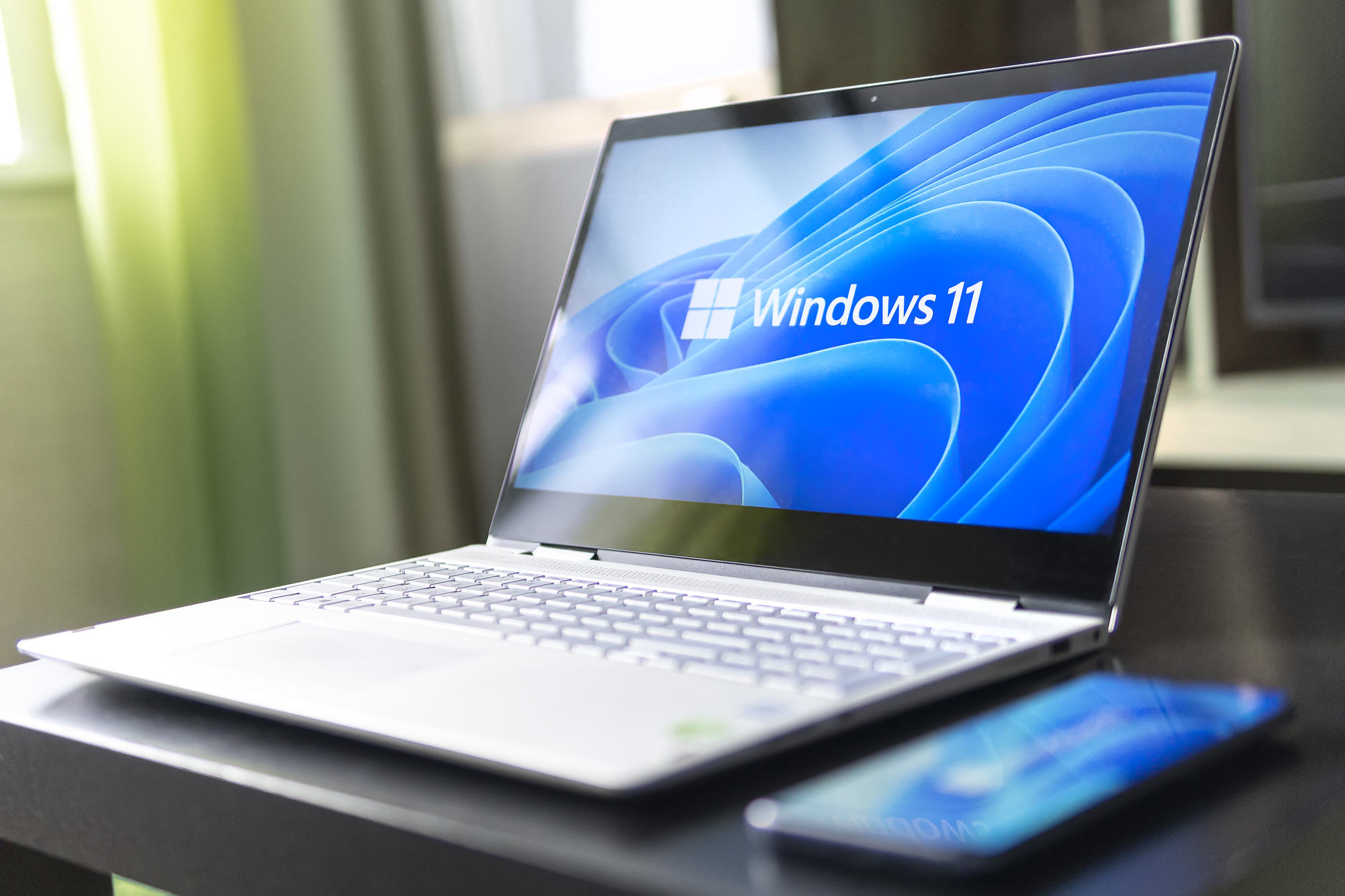
Transition from Windows 10 to Windows 11
May 13, 2025
Since Microsoft announced that support for Windows 10 will end in 2025. This means that companies have started planning for the change. This transition could have a significant impact on your IT infrastructure, especially when it comes to redundant hardware.
How OCM can support your business’ redundant IT needs
OCM specialises in the safe, secure and responsible disposal of redundant IT hardware. Our team understand the challenges businesses face when upgrading systems. In this blog, we explore what the move from Windows 10 to Windows 11 means for your company’s IT assets. Plus how OCM can help ease the transition, ensuring you stay ahead of the curve.
The shift from Windows 10 to Windows 11
Windows 11 introduces a host of new features designed to enhance user experience as well as productivity and security. Some of the standout changes include:
- Enhanced performance: Windows 11 promises to be faster and more efficient, with a streamlined user interface.
- Improved security: With built-in features like TPM 2.0 and Secure Boot, Windows 11 strengthens the security of devices.
- Updated hardware requirements: Windows 11 has stricter hardware requirements. This means that older machines running Windows 10 may no longer meet the system specifications.
These changes can be both exciting and challenging for businesses. For organisations with outdated hardware, the move to Windows 11 can lead to compatibility issues. It can also mean reduced performance or even the need to upgrade entire workstations. But what about your redundant IT assets? If your company is replacing older devices that no longer support Windows 11, you’ll need to manage the disposal of these assets responsibly.
The impact on redundant IT
As businesses upgrade their technology to meet the demands of Windows 11, a natural consequence is the accumulation of redundant IT equipment. Devices that can no longer meet the necessary system requirements may be left behind. In turn, this creates a logistical and environmental challenge. Additionally, improper disposal of redundant IT assets can lead to data security risks and environmental harm.
Without proper planning, businesses may find themselves overwhelmed. For example, with devices that need to be securely wiped, decommissioned and disposed of in compliance with regulations such as GDPR and WEEE (Waste Electrical and Electronic Equipment).
This is where OCM can help.
How OCM can support your transition
OCM provide comprehensive IT asset disposal solutions to ensure that your outdated and redundant devices are handled with the utmost care. Our services include:
- Data destruction: We use industry-leading methods to ensure that any sensitive data on your devices is completely wiped, meeting the highest standards for data security.
- Eco-friendly disposal: We’re committed to responsible recycling practices, ensuring that your redundant IT equipment is disposed of in an environmentally friendly way.
- Asset auditing: We can help you track your IT assets which, in turn, makes it easier to manage the lifecycle of your equipment and identify what needs to be upgraded or replaced.
- Certified services: As an accredited IT asset disposal company, we provide certification for each item we collect and recycle. Ultimately, this can give you peace of mind that all processes are in line with industry regulations.
Why get ahead of the change?
The transition to Windows 11 presents an opportunity for businesses to review their IT infrastructure and eliminate any inefficiencies. By planning ahead, you can avoid potential disruption. Plus you can make the most of the new features Windows 11 has to offer.
Jason Pattinson, OCM’s Head of Technical Services, comments:
“Windows 11 doesn’t have built in features like TPM 2.0 and Secure Boot they are part of the device. Windows 11 supports features like TPM 2.0 and Secure Boot but I’m sure Secure Boot is supported on Windows 10 and probably earlier. I think half the reason a lot of older devices aren’t supported is because they don’t have TPM 2.0 inbuilt and therefore aren’t as secure.
The standout main features of Windows 11 are that it has an AI assistant (Copilot), Multiple Desktops and a redesigned Start Menu and Task Bar layout. There are many more new cool features, but they’re my favourites…”
Here’s why getting ahead of the change is crucial:
- Avoid disruption: By upgrading your systems before the official end of Windows 10 support, you can ensure that your business continues to run smoothly without relying on outdated software.
- Maximise efficiency: Early upgrades provide an opportunity to evaluate your hardware needs and replace inefficient devices with new ones that support Windows 11. This can boost productivity as well as performance across the organisation.
- Data security: Transitioning your IT assets ahead of time allows you to ensure that outdated devices are securely wiped and responsibly disposed of. In turn, this will protect your business from data breaches and compliance violations.
- Cost savings: Proactively replacing old devices and disposing of redundant IT assets can save you money in the long run by, for example, reducing the need for costly emergency upgrades and repairs.
Let’s work together
The move from Windows 10 to Windows 11 is an important step for businesses seeking to remain competitive and secure. As you plan for this transition, it’s essential to manage your IT hardware responsibly to avoid risks associated with redundant devices.
The experienced team at OCM are here to support your business through this change. From secure data destruction to eco-friendly disposal, we provide the solutions you need to ensure your IT assets are handled with care and in compliance with all regulations.
Now is the perfect time to get ahead of the transition to Windows 11. OCM is ready to help you every step of the way. Contact us today to learn more about how we can assist with your IT asset management and disposal needs.
About OCM
We’re experts in the safe, secure and responsible disposal of unwanted IT and EPoS assets. We manage data destruction and IT collection too. Let us help you navigate the complexities of IT asset management. In turn, we provide peace of mind and a sustainable solution for your business’s technology needs.